
What it is
Skip Silence removes the quiet parts from recordings. Lectures, podcasts, interviews and meeting recordings contain a lot of pauses. Skipping them saves time without changing how fast anyone speaks. A 60-minute lecture with typical pauses plays in about 45 minutes.
It comes in two forms:
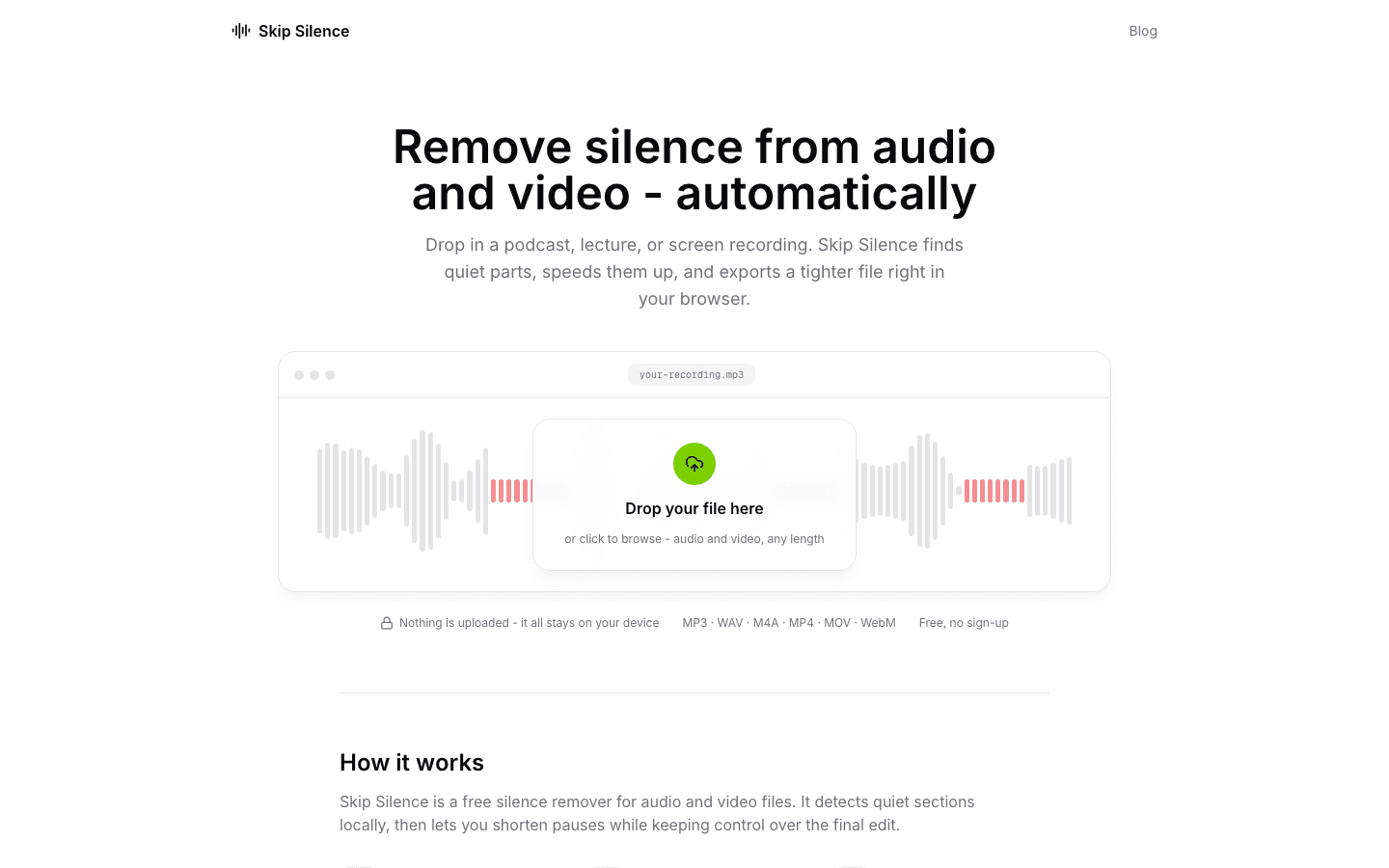
- The web app at silence.vantezzen.io works on files. You drop in an MP3, WAV, MP4, MOV or another common format, preview the result and export a new file. Nothing is uploaded.
- The browser extension works live on videos and audio on any website. It speeds up playback during silence and slows down again when someone speaks. Get the extension for Chrome, Firefox or Edge.
How it works
Detecting silence
Both versions measure loudness in short windows and compare it to a threshold that adapts to the recording. The threshold is the quietest 15% of the last ten seconds plus 3 dB, kept between −60 and −20 dB. A 3 dB buffer between “silent” and “loud” stops it from flickering on breaths and background noise. Silence has to last half a second before anything happens.
The extension
The extension routes a page’s audio through an AudioWorklet that reports one loudness value every 21 ms from the audio thread. Earlier versions used timers, which browsers throttle in background tabs, so they only worked in the focused tab. The worklet does not have that problem.
Output is delayed by 60 ms, below the roughly 125 ms where people notice audio and video drifting apart. Detection reads the signal before that delay, so the extension knows about each change before you hear it and can restore normal speed as speech begins. It also has to defend its playback rate against sites such as YouTube, which reset speed changes they did not make.
The web app
The web app decodes the file in a Web Worker with WebCodecs. It builds a map from original time to output time, with speed ramps placed only inside silent sections so speech is never retimed. The preview and the export use the same map. Video is retimed without re-encoding, so there is no quality loss. Audio is time-stretched with pitch preserved and encoded to AAC, Opus, MP3 or WAV.
Why it exists
Skip Silence started in 2019, inspired by a video by CaryKH about automatically editing out silence. The goal was the same effect for any video on the web, not only edited ones. The first version was a small Chrome extension in plain JavaScript.
What happened
Skip Silence has been rewritten several times over seven years:
- 2019–2020: versions 1 and 2, plain JavaScript, Chrome only
- 2020: version 3, a rewrite in React and TypeScript after the original code became hard to maintain
- 2021: version 4 with Firefox support, a new design and an optional paid Plus tier
- 2022: version 5 on the Plasmo framework, a second detection engine and translations into German, Portuguese and Spanish
- 2026: version 6, rebuilt with the AudioWorklet engine, without analytics or a paid tier, and with only two browser permissions. The web app launched the same day.
The Chrome extension passed 10,000 users in 2022. Today it has about 8,000 active users across Chrome, Firefox and Edge, and the repository has 470 stars on GitHub. Its privacy policy is published here.